
The Hollow Roblox Halloween Theme: Visuals, Settings, and Perks
The Hollow Roblox Halloween theme transforms the platform interface into a crimson aesthetic with a claw silhouette and a custom app icon. Available through browser preferences and device settings, Roblox Plus subscribers retain this visual theme permanently after the event concludes.
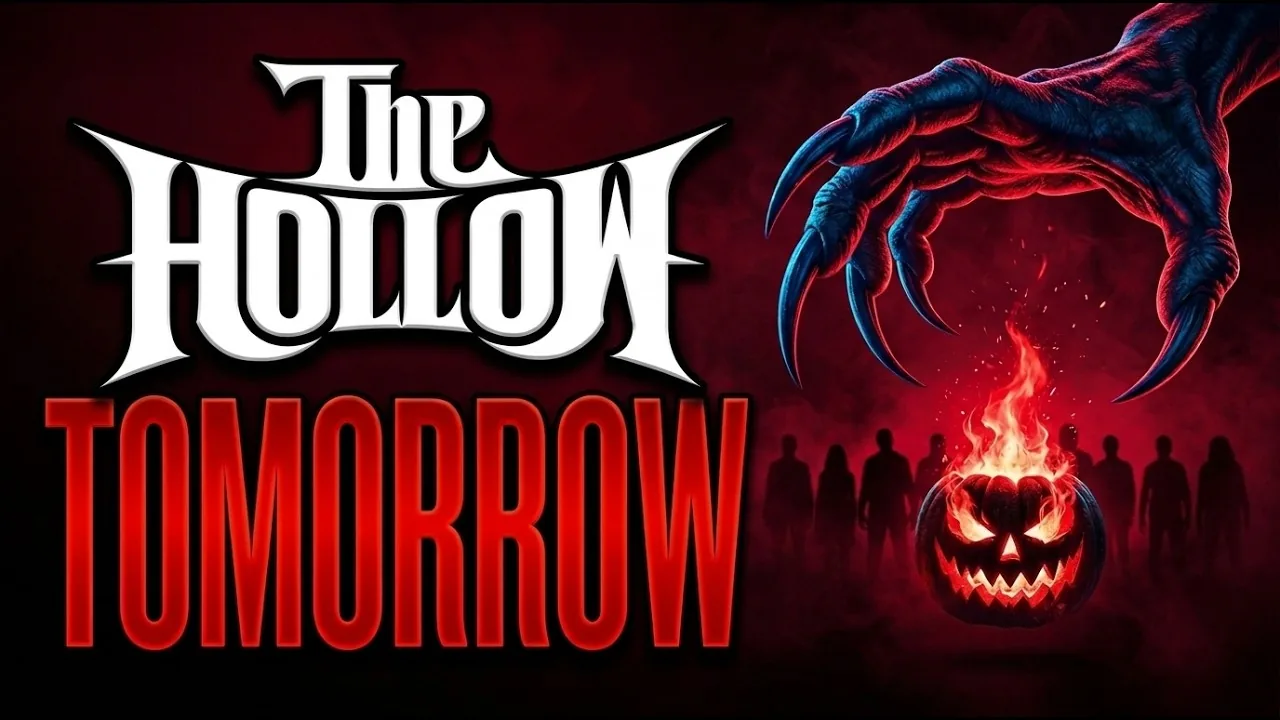
The Hollow Roblox Halloween theme transforms the platform interface into a crimson aesthetic with a claw silhouette and a custom app icon. Available through browser preferences and device settings, Roblox Plus subscribers retain this visual theme permanently after the event concludes.
Visual Changes Included in The Hollow Theme
The Hollow theme modifies several core interface elements across the Roblox desktop website and mobile application. Enabling the option replaces the standard dark or light layout with a deep crimson color scheme. A stylized monster claw graphic appears in the background of user pages and flashes momentarily on the home screen during transitions.
Mobile users receive an updated application icon that swaps the standard look for a Halloween version featuring dark red event accents.
| Interface Element | Standard Appearance | The Hollow Theme Feature |
|---|---|---|
| Accent Color | Neutral dark gray or white | Deep crimson red palette |
| Background Graphic | Solid flat tone | Crimson background with a claw silhouette |
| Mobile App Icon | Traditional silver or classic logo | Event Halloween logo with dark red details |
How to Enable The Hollow Theme in Settings
Players can toggle the visual styling directly inside platform configuration menus on both desktop browsers and mobile clients.
- Open your Roblox account settings by clicking the gear icon on the top right corner of the website or through the mobile app menu.
- Select device preferences or browser preferences depending on your client type.
- Locate the theme selection menu under personal display preferences.
- Choose The Hollow option to immediately update your interface colors and background artwork.
If you are browsing on mobile, the application icon updates automatically alongside your saved display preferences.
Roblox Plus Perks and Retention Rules
Roblox rolled out the visual theme in conjunction with account perks tied to the event rollout. Subscribers received early access to test the crimson styling in settings before non-subscribers gained entry to the event hub.
The primary distinction between general users and Roblox Plus members involves retention after the live finale. However, active subscribers keep the custom theme in their account preferences permanently after the official event schedule concludes on November 2.
Subscribers also receive access to a matching profile frame, custom profile background artwork, and an item launcher gadget alongside cosmetic avatar options such as the Hollow Horseman bundle and quest rewards across participating games.
Troubleshooting Theme Display Issues
If the crimson background or custom icon does not display immediately after changing your settings, clear your browser cache or force-restart the mobile application. Web sessions occasionally cache old stylesheet assets, preventing the background claw artwork from rendering correctly.
Mobile devices managing multiple custom app shortcuts may require manual home screen refresh to display the event logo variant. Confirming that your account remains logged in preserves saved browser preferences across platform sessions as you collect all free items throughout the event.
Related Guides
Hollow Horseman Bundle
Evaluate The Hollow Horseman bundle details, inspect its included pumpkin gear, and verify Marketplace listings before spending Robux on event cosmetics.
Squashbuckler Bundle
Review the Squashbuckler bundle avatar features, rig compatibility, and event details for The Hollow on Roblox.
Daily Relics Guide
Collect daily maze relics inside The Hollow hub, complete pipe rotation puzzles, and safely extract to earn exclusive Roblox avatar items.
Day 1 Guide
Learn how to find puzzle pieces, evade Seek in the Day 1 maze, and escape with the relic to claim event rewards.