
The Hollow Roblox Prism Runway Show Badge Quest and Reward Steps
To earn the Prism Runway Show badge in The Hollow Roblox event, equip clothing and hair so the game detects active participation, wait through two full runway rounds, open the spooky pumpkin daily quest menu, and select claim to receive your 20 credits.
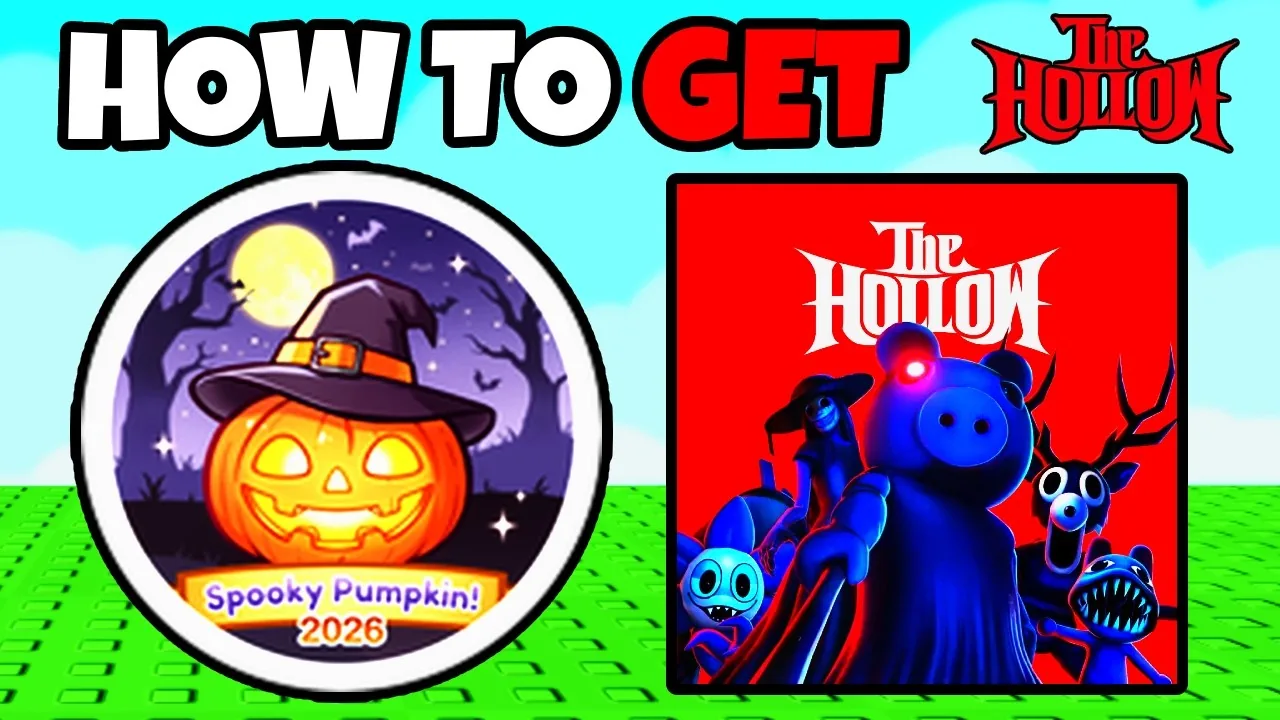
To earn the Prism Runway Show badge in The Hollow Roblox event, equip clothing and hair so the game detects active participation, wait through two full runway rounds, open the spooky pumpkin daily quest menu, and select claim to receive your 20 credits.
How to Complete the Runway Rounds
In the Prism Runway Show experience, earning badge credit requires completing two active rounds. The game includes an activity check, so you need to modify your avatar appearance before waiting out the timer.
- Open the dressing options and equip items such as clothes, skin tones, or hair. Changing your look prevents the system from flagging you as AFK during the cycle.
- Allow the ongoing round timer to count down to zero while the runway sequence concludes.
- Open the daily quest tracker on the side of your screen to confirm the counter registers one out of two completed rounds.
- Remain in the session through the second round until the runway concludes again.
This quest connects to the broader event organized by Roblox Presents, which launched on October 22 at 2:00 PM PT. Event quests take place both in the main hub and across several participating games through October 31. Players tracking event cosmetics can inspect the all free items catalog or read our general guide for hub progression.
Quest Completion Choices
| Stage | Objective | Required Action |
|---|---|---|
| Avatar setup | Prevent AFK status | Equip clothes, skin tone, or hair before the runway starts |
| Round progression | Advance quest counter | Wait for the round timer to reach zero and let the runway show finish |
| Reward redemption | Receive items | Open the spooky pumpkin menu and select claim after finishing round two |
Claiming the Spooky Pumpkin Quest Reward
Once your second runway round finishes, the quest interface does not grant the reward automatically. You must claim it manually through the event menu.
Locate the spooky pumpkin daily quest icon on the side of the interface. When opened, the tracker shows the completed requirement of finishing the runway twice. Press the claim button inside this window. Doing so awards the spooky pumpkin badge directly to your profile and grants 20 event credits to use during the event.
Related Guides
Clean All Leaves Badge
Earn the Halloween event badge in Clean All the Leaves with the exact map settings and time requirements needed to finish.
DOORS Candy Vault
Clear the DOORS Candy Vault event run, bypass dangerous entities, and secure the All-Seeking Antlers badge before the 20-minute timer expires.
Daily Relics Guide
Collect daily maze relics inside The Hollow hub, complete pipe rotation puzzles, and safely extract to earn exclusive Roblox avatar items.
Day 1 Guide
Learn how to find puzzle pieces, evade Seek in the Day 1 maze, and escape with the relic to claim event rewards.